How is Logos different from a normal voice recorder?
Logos goes beyond recording by adding AI transcription and transformation into clean text, summaries, and reusable outputs.
Record ideas, meetings, or lectures and turn them into readable notes, summaries, and structured outputs without manual rewriting.
Logos
See the conversion flow in screenshots
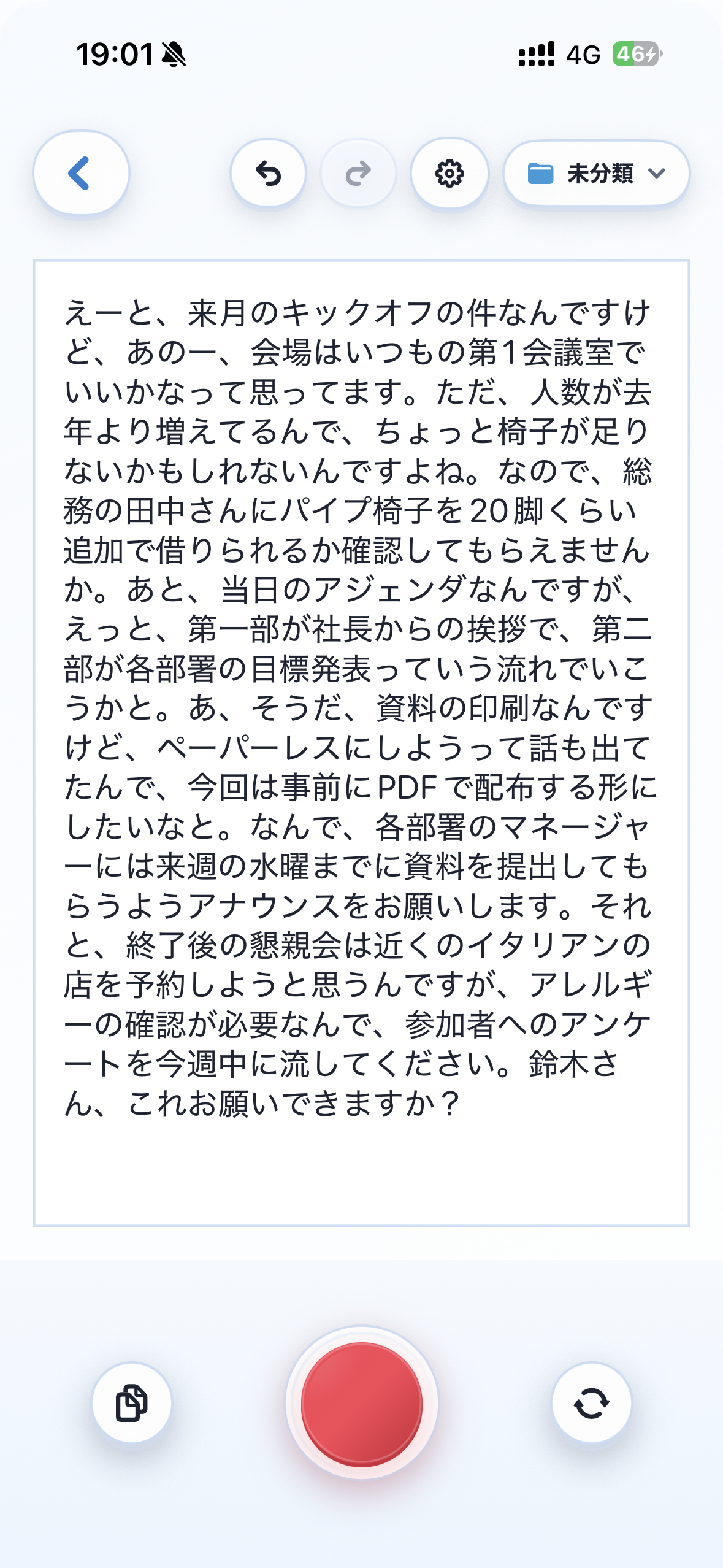
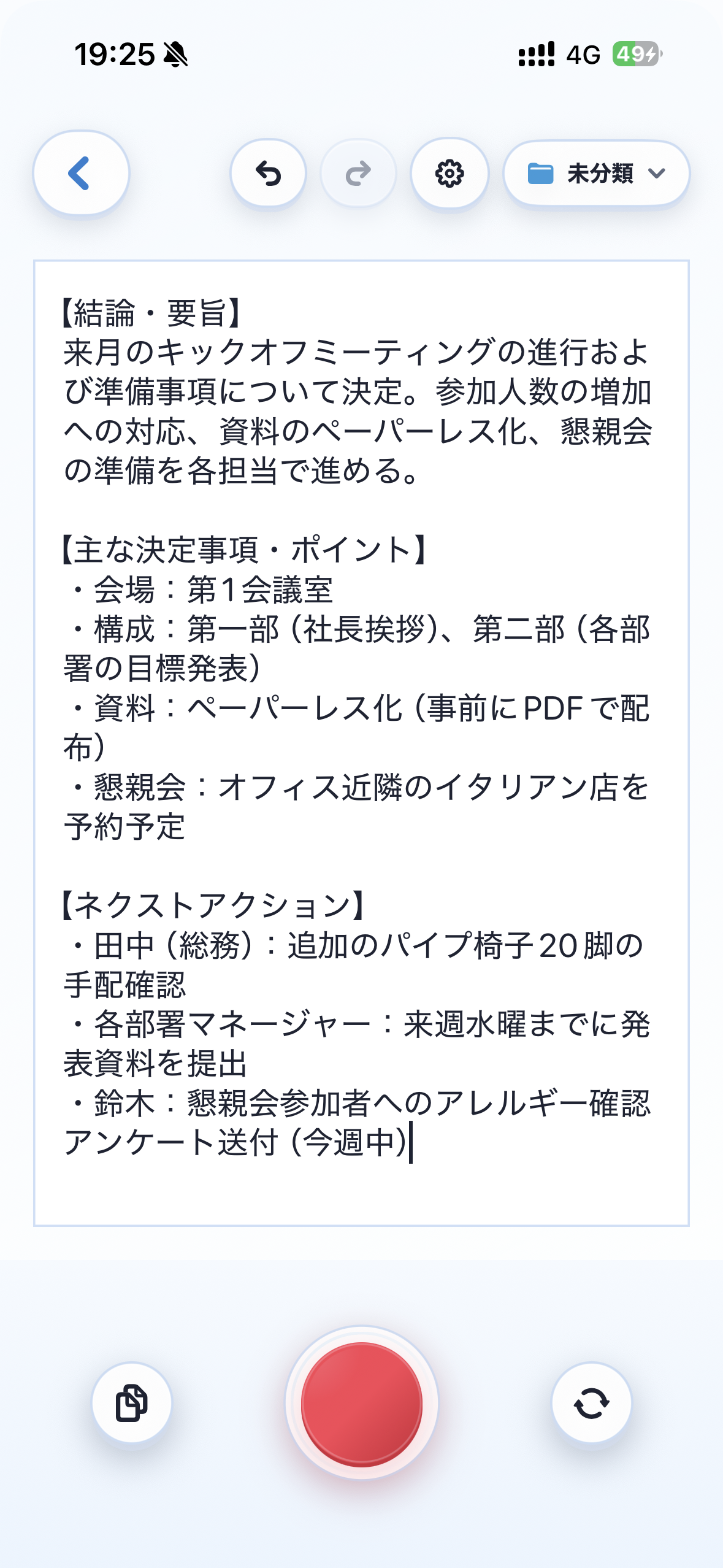
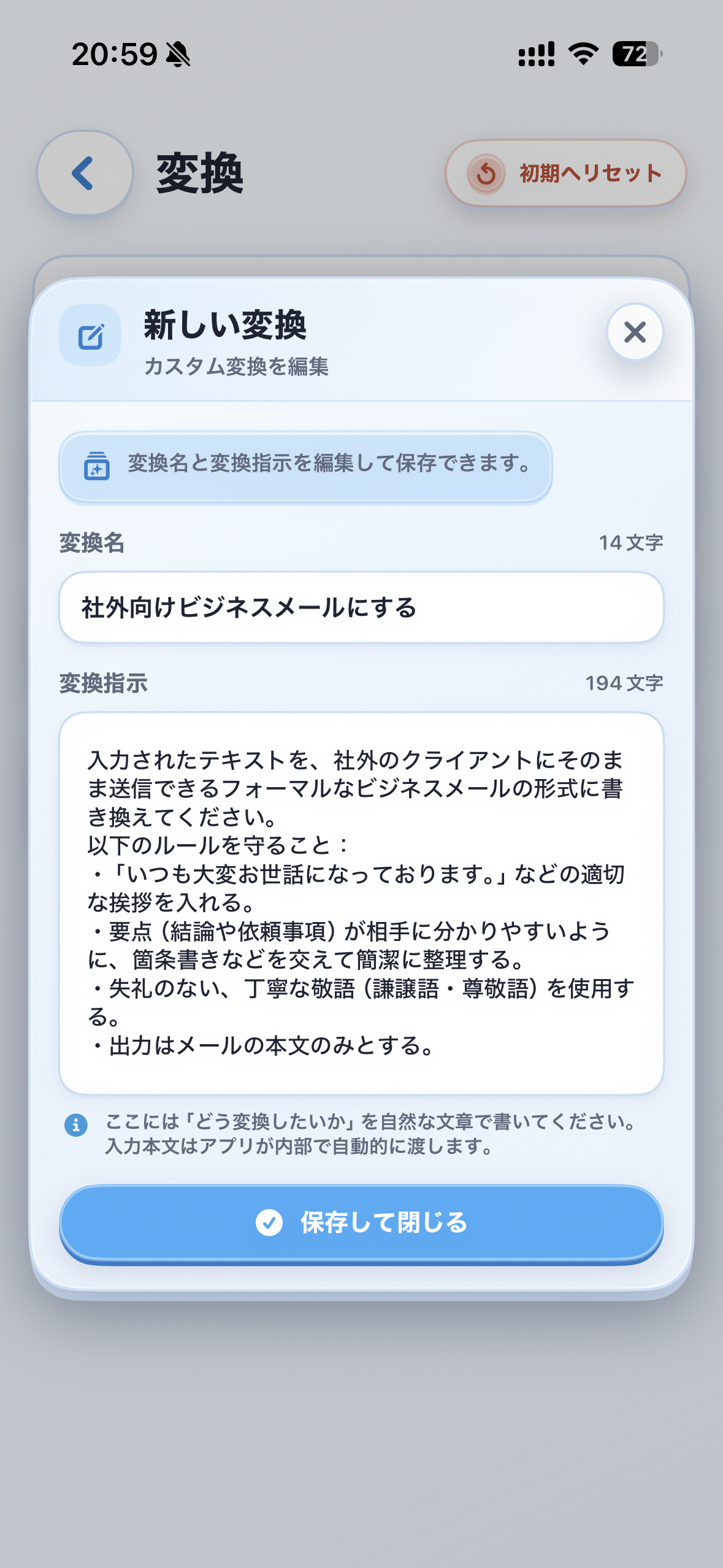
Logos combines high-accuracy transcription with AI text transformation so you can move from recording to action faster.
Short direct answers for the most common LLM and search queries.
Logos goes beyond recording by adding AI transcription and transformation into clean text, summaries, and reusable outputs.
Yes. Record audio once, then convert it into structured notes and summaries for faster sharing and review.
It is ideal for people who capture ideas by voice and need polished text output without manual rewriting.
Convert long recordings into text with less manual correction.
Rewrite rough transcripts into polished text, summaries, or custom formats.
Use folders, pinning, and iCloud sync to keep fast access to important notes.
Screenshots show the flow from raw recording text to transformed output and new conversion creation.
Practical playbooks for recording, transcribing, summarizing, and organizing voice-based notes.
Practical guide for recording, transcribing, summarizing, and transforming voice notes with AI.
Practical guide for recording, transcribing, summarizing, and transforming voice notes with AI.
Practical guide for recording, transcribing, summarizing, and transforming voice notes with AI.
Practical guide for recording, transcribing, summarizing, and transforming voice notes with AI.
Comparisons against default recorders, manual typing, and generic transcription tools.
Comparison with Generic transcription tools focused on post-recording speed and text usability.
Comparison with Manual note taking focused on post-recording speed and text usability.
Comparison with Apple Voice Memos focused on post-recording speed and text usability.
Install Logos and create your first AI-transformed note in under a minute.